How to accept QR payments at the shop counter
Many customers prefer to pay from their phone. You can accept these payments with the QR code of your own shop account, in any country, without a card machine. The important rule is simple: confirm the money has arrived before the customer leaves.
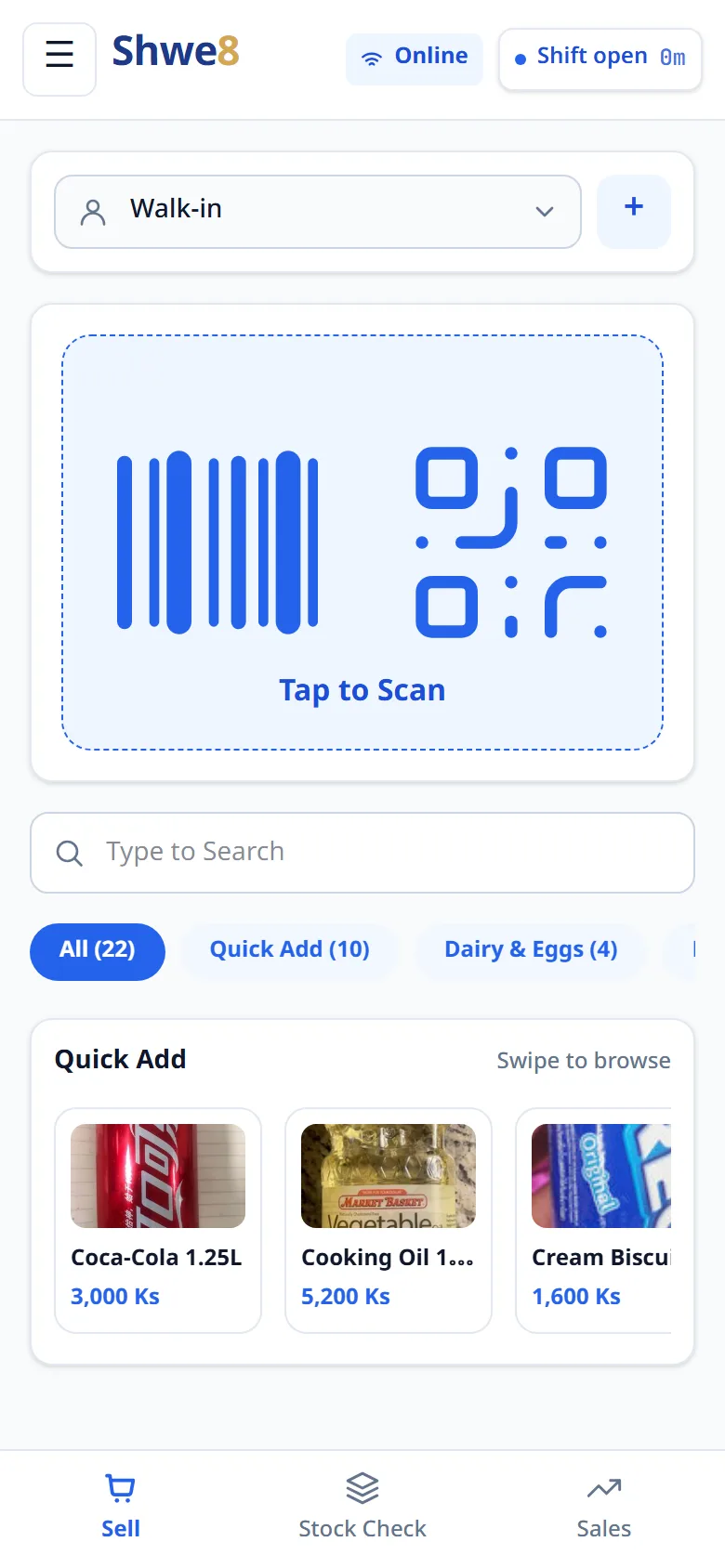
How it works
- Add the items and tap Complete sale.
- Choose the shop QR code as the payment method.
- The customer scans your shop account QR code with their banking or wallet app and pays.
- You check that the payment has arrived in your account, then confirm the sale.
Why you confirm by hand
With your own account QR, the payment goes straight to your account and the POS is not told automatically. That is why the cashier confirms after seeing the payment, for example in the account app or a notification. Do not confirm before the money is there.
Keeping cash and QR apart
QR payments do not go in the drawer, so they are not part of the cash you count at the end of the shift. Marking each sale with its payment method keeps the cash count clean.
Tips
- Print or display your QR code clearly at the counter.
- Ask the customer to show the payment-successful screen if you are not sure.
- Check that the amount and the name on the screen match.
Common questions
Does Shwe8 connect to my bank or wallet?
No. Shwe8 shows your own shop account QR code, and you confirm the payment by hand once you see it arrive. Cash stays the default payment method.
Does it work in any country?
The shop QR option is not tied to one wallet. You use the QR of whichever account or wallet your shop uses.
What if the customer says they paid but I see nothing?
Do not confirm the sale yet. Check your account again, and ask the customer for the transaction screen. Confirm only when the money is in.
Run your shop from your phone
Shwe8 is a cloud point-of-sale and inventory service for grocery and household shops. Pick a plan and set up your shop in a few minutes.