How to scan barcodes and QR codes with your phone camera
A barcode scanner is handy, but it is one more thing to buy. A phone camera can read most barcodes and QR codes, so scanning can be part of the phone you already use at the counter.
Add the barcode to each product once
When you add a product, enter its barcode (or the code you stick on it). After that, scanning finds the product straight away, without searching by name.
Scanning at the counter
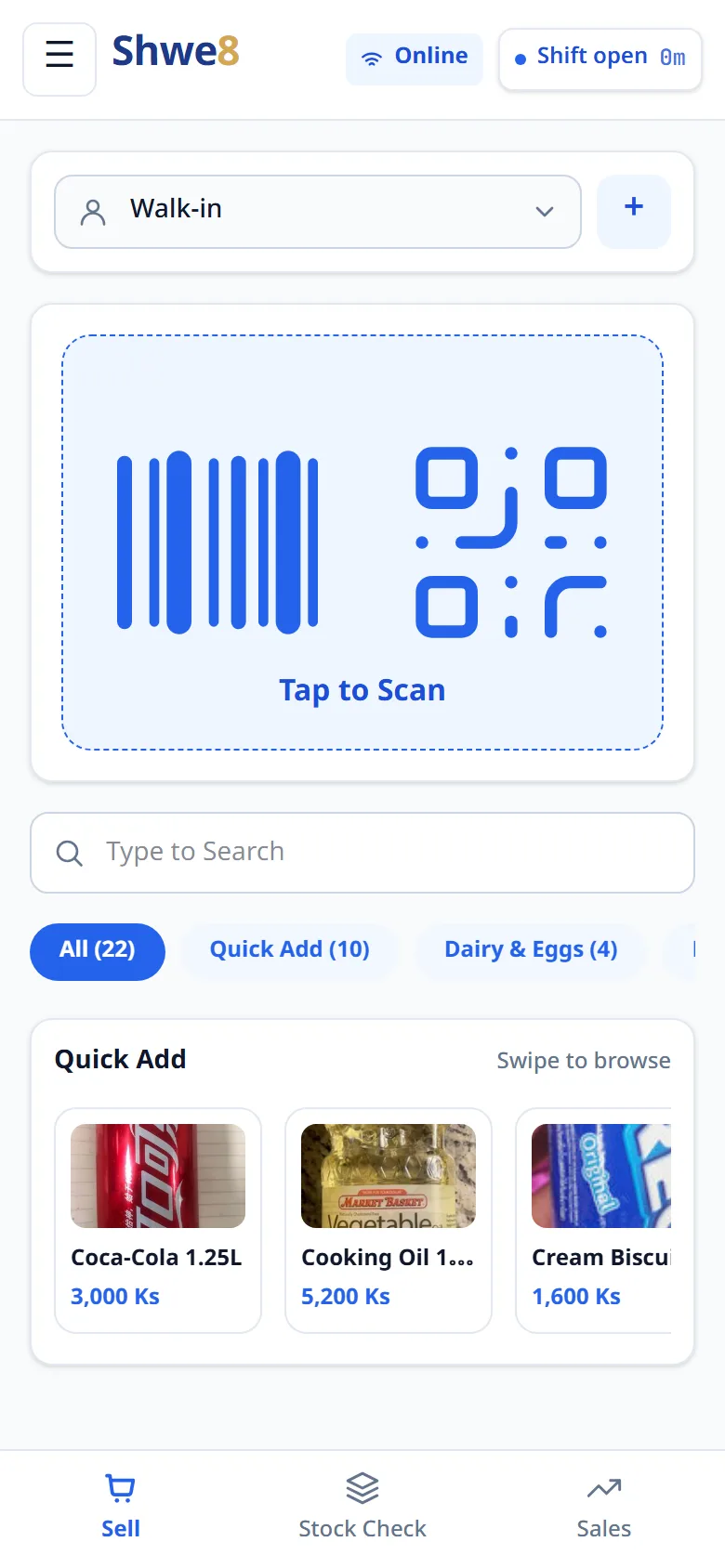
- Tap Scan.
- Point the camera at the barcode or QR code.
- The item is added to the basket. Scan the next item, or tap a quick-sell tile for items without a barcode.
Tips for a good scan
- Use good light and hold the phone steady about a hand away.
- Keep the code flat and clean.
- Allow the browser to use the camera the first time you scan.
Items without a barcode
Loose items such as rice or vegetables can be added by tapping a quick-sell tile, or by searching by name.
Common questions
Do I need a barcode scanner?
No. The phone camera is enough. A hardware scanner is optional if you have many fast scans.
Can I scan QR codes on products too?
Yes. A product can have a barcode or a QR code, and either one can be scanned.
What if a code will not scan?
Try better light or clean the code. If it still fails, search the product by name or use a quick-sell tile.
Run your shop from your phone
Shwe8 is a cloud point-of-sale and inventory service for grocery and household shops. Pick a plan and set up your shop in a few minutes.