How to see your shop’s profit, not just sales
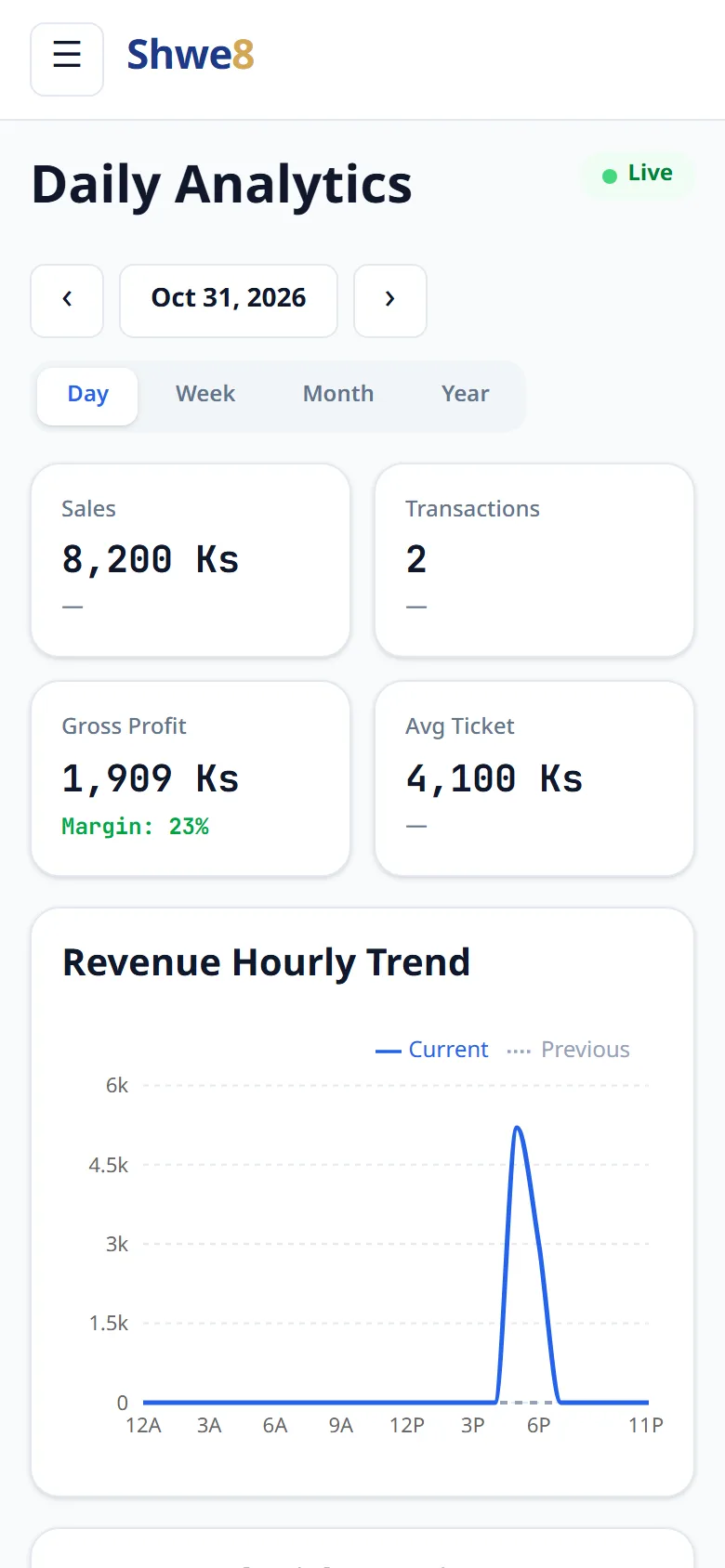
A busy shop is not always a profitable one. Sales is the money coming in, but profit is what is left after the cost of the goods. To see it, you need the cost of each item as well as its selling price.
What you need
- The selling price of each item.
- The cost price: what you paid your supplier.
- Every sale recorded, so the system can work out profit for you.
Look at it by week and by month
A single day can mislead. Weekly and monthly totals show the real direction, and you can compare one month with another.
Look at it by category
Some categories sell a lot but earn little, and others sell slowly but earn well. Seeing profit by category tells you where to put your money and shelf space.
Know your best sellers
Your best sellers are the items you must never run out of. Check them against your stock list so they are always on the shelf.
In Shwe8
The owner’s dashboard and analytics show sales and profit by week, by month and by category, with your best-selling items.
Common questions
Do I need to enter the cost price?
Yes. Without the cost price the system can show sales, but it cannot show profit.
Can my cashiers see this?
Only if you give them the permission. Reports stay with the owner by default.
How often should I look at the reports?
A quick look each week and a closer one at the end of the month is enough for most small shops.
Run your shop from your phone
Shwe8 is a cloud point-of-sale and inventory service for grocery and household shops. Pick a plan and set up your shop in a few minutes.